What free means here
Free, on this site, means you can use the tool without a login, without a paid plan, and without a watermark on the code itself. The file you download is yours to print and put up. The pattern does not point back to this website, so the sign does not stop working if you never visit again.
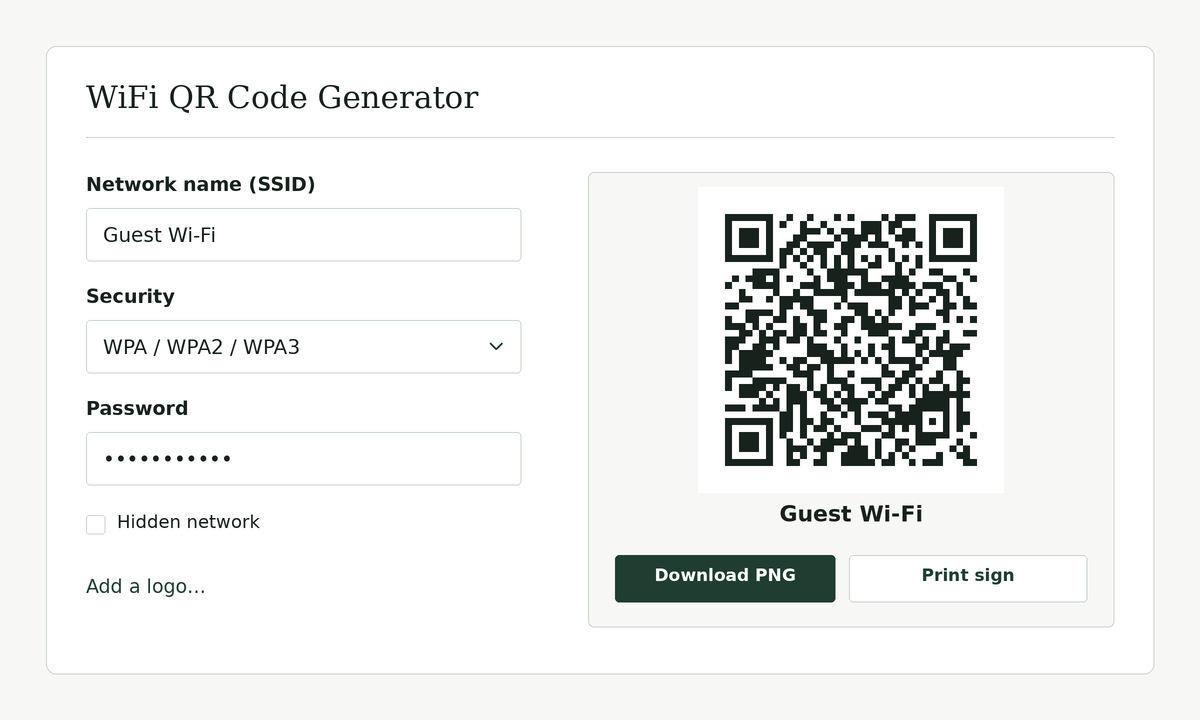
If you later see advertising on the page, it belongs below the finished code, not on top of the QR pattern and not as a mark inside it. A guest should be able to scan a clean sign.
Free does not mean the password inside the code is hidden. A Wi-Fi QR code still holds the network name and password in a standard text format. Anyone who can scan the sign, or take a sharp photo of it, can read those details. It also does not mean the network itself should be left open. You should still use a real password.
What you still need to watch
Because there is no account, there is no copy of your sign waiting for you on another computer. If you close the tab without downloading or printing, you will need to enter the network name and password again. That is the tradeoff for not sending those details to a server.
Print a test copy and scan it with a phone that is not already on the network. A free file that will not scan is not useful. If the print is too small, too faint, or hidden behind glare, fix the sign before you put it out for guests.
No account, and why that matters
Some tools ask you to register before you can download a clean image, or they put their own mark on the code until you pay. This page does not require an account to generate, download, or print. We do not need your email address to draw a QR code on your own computer.
Skipping an account is also a privacy choice. A Wi-Fi password does not belong in a signup form. The generator runs in the browser. If a draft is saved, it stays in this browser on your machine.
The code does not depend on this site
The code is not a short link that we can turn off. It contains the network details directly, in the format phone cameras already understand. That is why it does not expire, and why you should make a new one when the name or password changes. An old sign on the wall will keep offering the old password.
If you want a mark in the middle of the code, use the wifi QR code generator with logo page, and test a scan before you print many copies. If you want a full sheet with the network name written beside the code, use the printable Wi-Fi QR code sign.
Start with the wifi QR code generator
The tool itself is on the home page: the wifi QR code generator. Enter the network name, the security type, and the password, then download or print. Come back to this page if you want a plain explanation of the free terms, not a login wall.